
The OWASP Top 10 is a widely recognised awareness document that lists the most critical security risks to web applications. The Open Worldwide Application Security Project (OWASP), a non-profit community, publishes it and updates it every few years using real-world data.
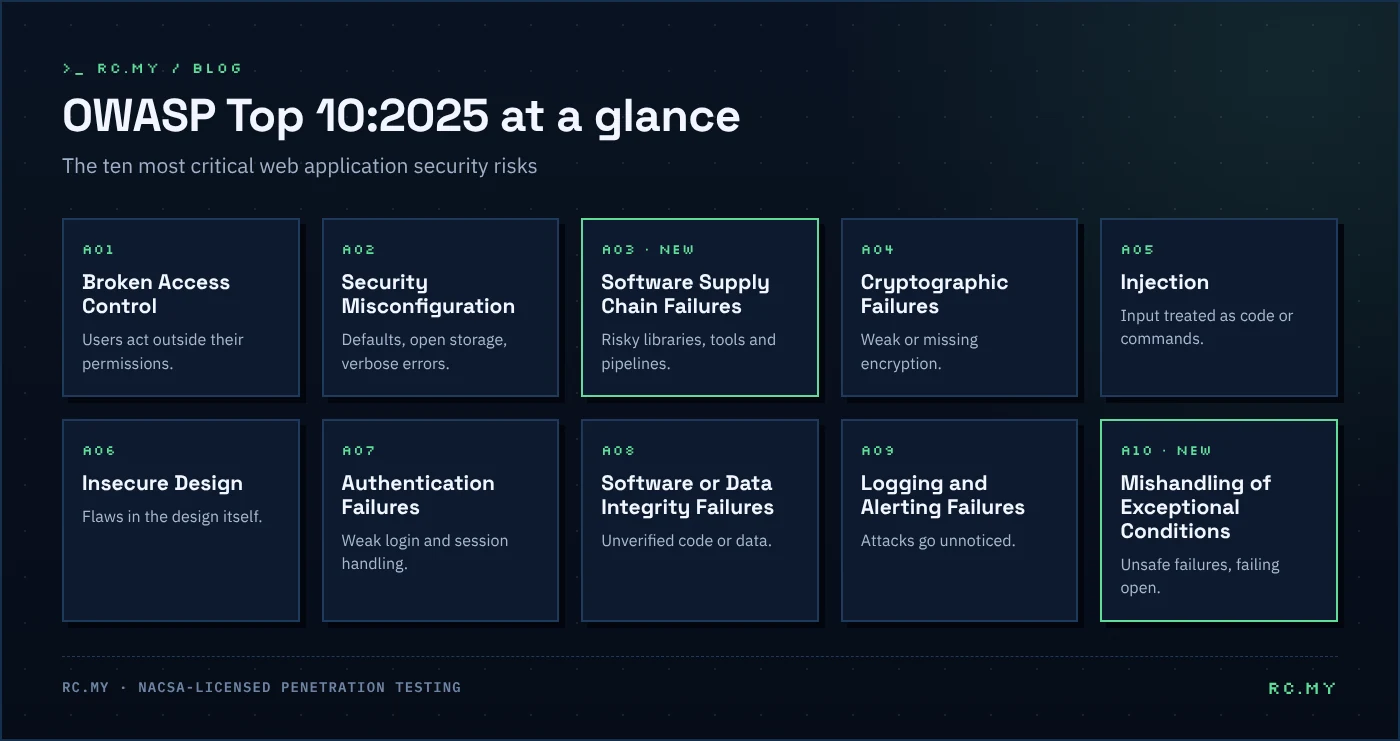
The latest edition, the OWASP Top 10:2025, reshuffles several categories and adds two new ones. This guide explains each category with a simple example and practical prevention tips.
Why the OWASP Top 10 matters
Developers, testers and auditors use the OWASP Top 10 as a common language for web risk. Many security policies and contracts refer to it, and almost every penetration testing methodology for web applications covers it.
However, it is an awareness list, not a complete standard. For full coverage, testers use the OWASP Web Security Testing Guide and the Application Security Verification Standard (ASVS).
A01: Broken Access Control
Users can act outside their intended permissions. For example, changing /invoice/1001 to /invoice/1002 shows another customer’s invoice. In addition, this category now covers server-side request forgery (SSRF).
Prevent it: deny by default, enforce authorisation on the server for every request, and test each role with grey box testing.
A02: Security Misconfiguration
This covers default passwords, verbose error messages, open cloud storage and missing security headers. For example, a typical case is an admin panel left reachable from the internet with default credentials.
Prevent it: use hardened templates, remove unused features, and review headers and settings regularly. Our free security headers checker is a quick place to start.
A03: Software Supply Chain Failures
A new and expanded category. It covers risks from third-party libraries, build tools and pipelines, such as a compromised npm package or an outdated component with a known vulnerability.
Prevent it: keep an inventory of dependencies (an SBOM), scan them continuously, pin versions and protect your build pipeline. See DevSecOps for CI/CD.
A04: Cryptographic Failures
Weak or missing encryption exposes sensitive data. For example, think of passwords stored with outdated hashing or personal data sent over plain HTTP.
Prevent it: encrypt data in transit and at rest, use modern algorithms, and hash passwords with a slow algorithm such as Argon2 or bcrypt. Check your certificates with our SSL certificate checker.
A05: Injection
The application treats untrusted input as code or commands. For instance, SQL injection, command injection and cross-site scripting (XSS) all belong here.
Prevent it: use parameterised queries, validate input, and encode output for the right context.
A06: Insecure Design
These are flaws in the design itself, not in the code. For example, a password reset flow that can be abused because it never limits attempts.
Prevent it: threat model new features, use secure design patterns, and include abuse cases in your testing.
A07: Authentication Failures
This category covers weaknesses in login and session handling. For example, there may be no protection against credential stuffing, weak password rules or sessions that never expire.
Prevent it: add multi-factor authentication, rate limit logins, and manage sessions securely.
A08: Software or Data Integrity Failures
The application trusts code or data without checking its integrity. A typical example is an application that loads updates or plugins without verifying signatures.
Prevent it: sign and verify software and updates, and protect deserialisation and CI/CD workflows.
A09: Security Logging and Alerting Failures
Attacks go unnoticed because the application does not log important events, or nobody receives an alert. As a result, many organisations only discover a breach months later.
Prevent it: log authentication, access control and high-value transactions, and make sure alerts reach someone who will act. A red team exercise is a strong way to test this.
A10: Mishandling of Exceptional Conditions
Also new for 2025. Applications fail in unsafe ways when something unexpected happens, for example skipping a security check after an error or “failing open”.
Prevent it: handle errors explicitly, fail securely, and test unusual inputs and states.
How to use the OWASP Top 10 in your organisation
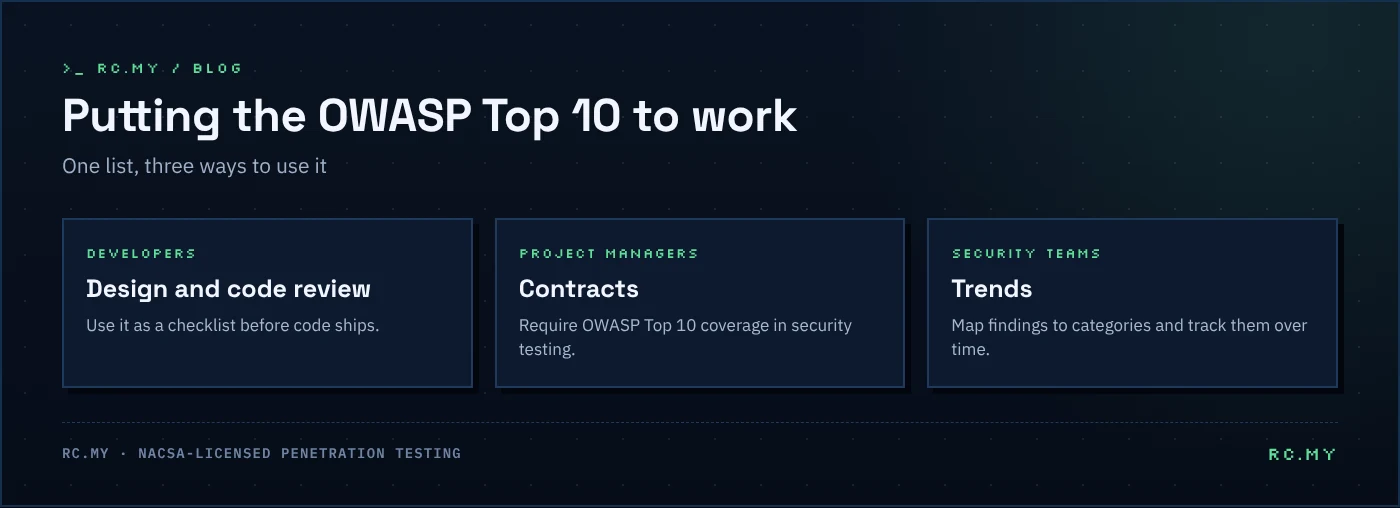
- Developers can use it as a checklist during design and code review.
- Project managers can require OWASP Top 10 coverage in security testing contracts.
- Security teams can map penetration test findings to its categories to show trends over time.
Remember that real attacks often chain several smaller issues together. A manual penetration test is the best way to see how these risks combine in your own application.
Frequently asked questions
How often is the OWASP Top 10 updated?
Roughly every three to four years. OWASP released the previous edition in 2021, and the current one is the OWASP Top 10:2025.
Is the OWASP Top 10 a compliance standard?
No. It is an awareness document. For a testable standard, use the OWASP Application Security Verification Standard (ASVS).
Does a vulnerability scanner cover the OWASP Top 10?
Only partly. Scanners find some injection and misconfiguration issues, but access control, design and business logic flaws usually need manual testing.
Get your application tested
RC.MY tests web applications, mobile apps and APIs against the OWASP Top 10 and beyond. Explore our cybersecurity services or contact us.